Free · no signup · what you enter stays in your browser. To pick up where you left off, check “Keep on this device” in the editor.
Print one sign per table from the tables in your seating chart, with nothing about the guests on it. You choose which tables, which layout fits your frames or holders, and how a number or a name is printed.
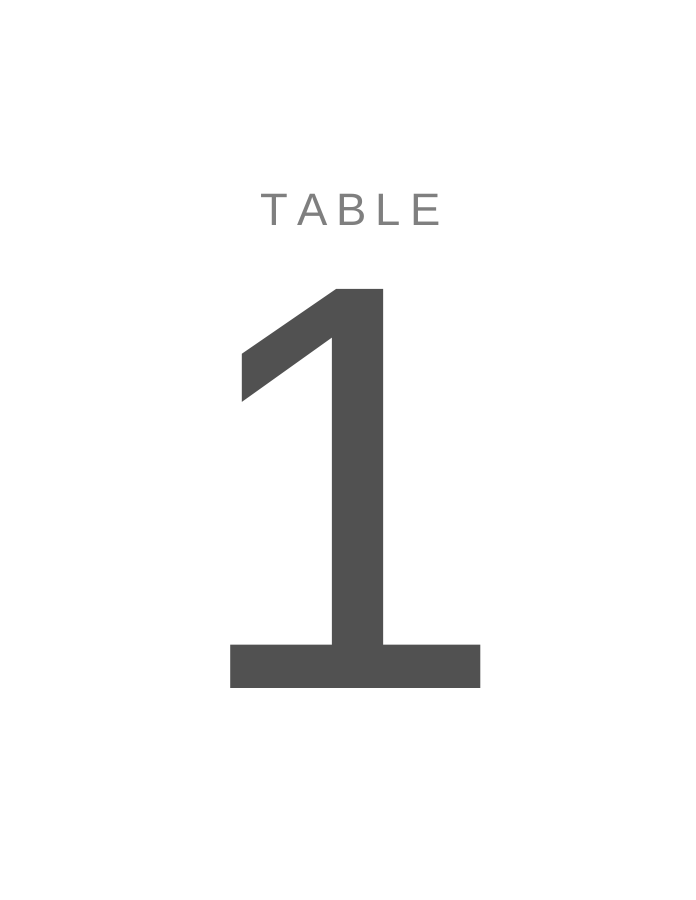
Page 1 of a sample PDF made with the editor from a made-up guest list (US Letter).
How to use it
Set up your tables in the seating chart. Each table there becomes one sign in the print kit.
Choose the layout: full page, half page (2 per sheet), 5 × 7 in cards or 4 × 6 in cards, and the paper.
Check Only tables with guests if some tables stay empty.
Check the preview: every table appears once, in natural order (2 before 10), with bare numbers before names.
Print at actual size, or download a PDF. Cut the card layouts along the cut marks.
Worked example
Your seating chart has 12 tables: a head table called “Head table” and tables “1” to “11”.
12 signs, one per table: 1 to 11 first, then the head table. Because “Head table” already contains the word,
no extra “Table” is printed above the numbers.
At 5 × 7 in, two cards fit on each sheet, so 12 cards take 6 sheets.
If you later merge tables 10 and 11, delete table 11 in the seating chart and reprint: you get 11 cards on 6 sheets,
and the guests from table 11 are back in Not seated until you place them.
Every table in your seating chart, with the name or number you gave it there; rename a table and its sign changes too. Check “Only tables with guests” to leave out tables nobody sits at yet. No guest names or other guest data are printed on table numbers.
Can I use names instead of numbers?
Yes. The sign prints whatever the table is called: “7”, “Table 7” or “Lavender”. A bare number is printed as large as the sign allows. A longer name wraps onto up to three lines and never shrinks below 48 pt, so it still reads from across the room. When none of your table names already contains the word “Table”, a small “Table” is printed above each name.
Which layout fits my holder?
Full page: one table per sheet, for a large frame or an easel. Half page: two per sheet, cut along the middle. 5 × 7 in and 4 × 6 in: two cards per sheet with cut marks, for standard photo frames and card holders; 5 × 7 in is the most common size. Paper can be Letter, A4, A5, A3, Legal or Tabloid; print at actual size so the card fits the frame.
What order are the signs printed in?
In natural order: numbers count as numbers, so “2” comes before “10” and “Table 2” before “Table 10”. Bare numbers come first, then names in alphabetical order, so “Head table” follows “11” but comes before “Table 1”.
Is anything else printed on the signs?
Not on full- and half-page signs, because guests see the whole sheet. The 5 × 7 in and 4 × 6 in sheets carry a small gray footer line and a 50 mm calibration line in the margin you cut away.