A CALMER WAY TO PLAN THE DAY
Wedding guest list, seating and print kit in one place
Build your guest list, give everyone a table, then print place cards, table numbers and the caterer sheet from the same list. A budget, checklist, day timeline and vendor comparison are here too.
Free · no signup · your list stays in your browser
- Guest list to print kit
- No account
- Private app workspace
- Guest list Track households, replies, plus-ones and meals, with seats and meals counted separately.
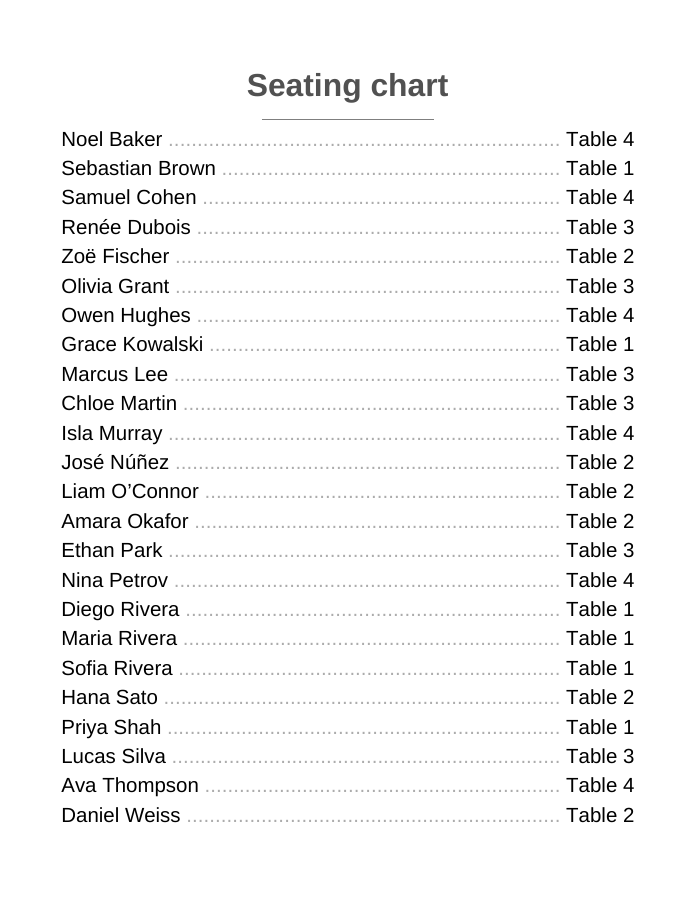
- Seating chart Give every accepted guest a table, with seat limits and a list of who still needs one.
- RSVP deadline Set the reply date from your caterer’s final count, then chase the missing replies.
- Plus-ones Decide who may bring a guest, then keep every plus-one in the counts.
- Place and escort cards Print tent or flat name cards with each guest’s table, and reprint only what changed.
- Table numbers Print one clear sign per table, sized for your frames and holders.
- Caterer sheet Meals per table for your caterer, vendor meals listed separately, no contact details.
- Import a guest list (CSV) Bring in a guest list from Excel or Google Sheets as a CSV file.
- Place vs escort cards Learn which card does what, and when one of them is enough.
- Print at actual size Set the printer to 100% so cards come out the size they were designed.
- Children and infants Count seats, meals, children’s meals and high chairs without counting anyone twice.
How the workspace fits together
Everything starts from one guest list. Households keep a family on one invitation and one address label, each guest has a reply and a meal choice, and the same list feeds the seating chart, the place and escort cards, the table numbers and the caterer’s meal count. Change a name or a table once and every printable follows.
The planning tools sit beside it: a budget that separates planned, quoted, committed and paid amounts and puts every deposit and balance on one payment schedule, a vendor comparison that works from totals, a checklist for the months before and a run sheet for the day. The guides explain the decisions around them, such as when replies should be due, who gets a plus-one, which cards you need and how to print at the right size.
Nothing you type is sent to a server. The editors run in your browser on a separate app site, there is no account, and your work is kept on your device only if you choose that. Download a backup file to keep a copy somewhere safe.